The latest googleMaps plugin (which uses the latest Google Maps API v3) features built-in street view!
So how do you display the street view?
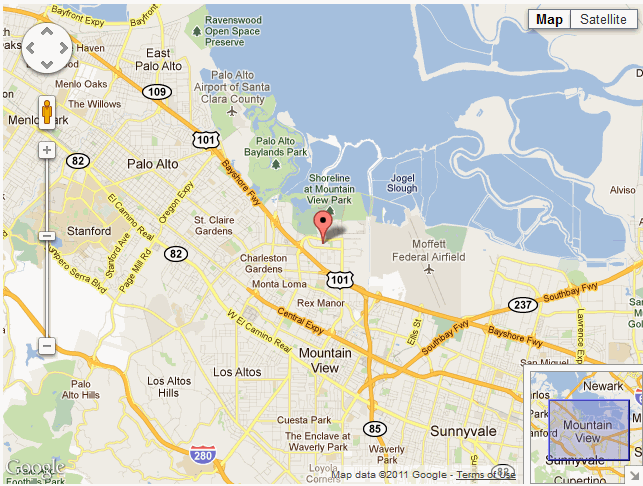
- Notice the man icon in orange on the top left corner of the map.
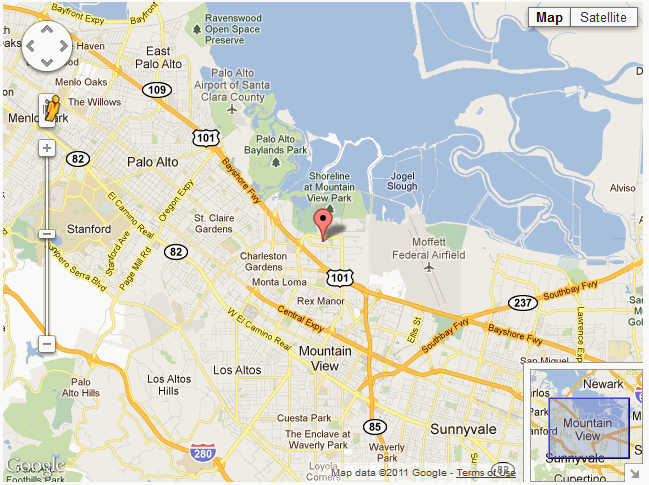
- Click on the man. It will slant slightly to the right.
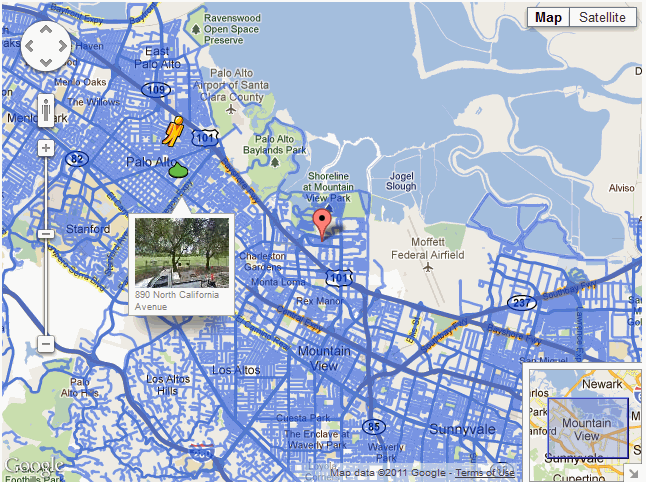
- Drag the man to the place on the map where you wish to see the street view.
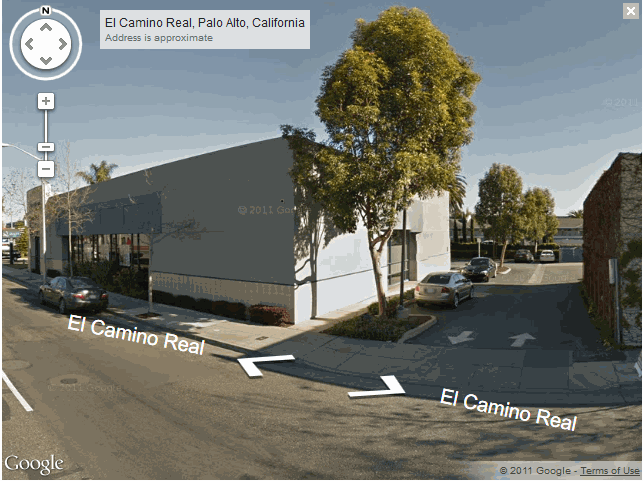
- Release the mouse. The street view will be displayed.
Read more...